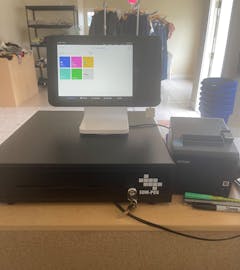
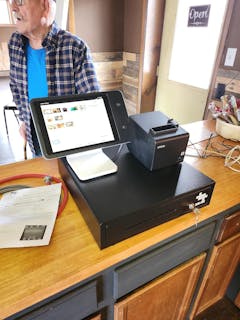
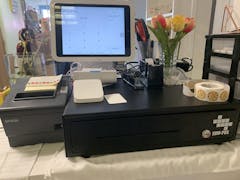
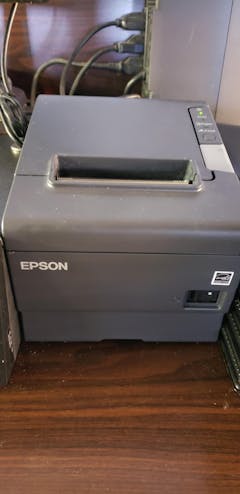
Awesome drawer! Wish I would have bought 3 more! Thanks
Great quality and easy to set up


: Opening the plastic casing reveals the printed circuit board (PCB). Users look for small unpopulated pins labeled TX, RX, GND, and VCC .
Using the box with an internet connection from a provider other than Vodafone.
Unlocking a Vodafone TV box is a popular topic for users looking to repurpose their hardware for other streaming services or to bypass network restrictions. While these devices are notoriously "locked down" to the Vodafone ecosystem, a growing community of hardware hackers and enthusiasts continues to explore ways to "hot" or unlock these boxes. vodafone tv box unlock hot
: If the box uses a SIM card and the SIM is locked, you will need an 8-digit Personal Unblocking Key (PUK) from your Vodafone account dashboard or customer support. Are you currently stuck on a specific screen (like a login or PIN screen), or are you trying to flash new software onto the box?
💡 Pair your Vodafone TV Box with a soundbar and smart lighting for a full cinematic experience at home. : Opening the plastic casing reveals the printed
When your box is "hot," it doesn’t mean it’s overheating. It means the IMEI or serial number is flagged in Vodafone’s database as either:
[Vodafone Box Boot Loop/Lock Screen] │ ├──► Method 1: Password Exploitation (Access Google Settings -> Install Custom Launcher) │ └──► Method 2: Hardware Level UART (Connect Serial to Pins -> Access U-Boot Loader) 1. The Password Loophole (Software Bypass) Unlocking a Vodafone TV box is a popular
On your computer, open a command prompt (Windows) or terminal (Mac/Linux).
: Stripping away the automatic screen that forces you to sign in with an active Vodafone account.
How To Reset Your Android TV Box Back To Factory Settings
Locate the small 'Reset' button on the back or bottom. Press and hold it for at least 5 seconds using a paperclip until the recovery screen appears.